


















TL;DR
There’s never a bad time for great usability testing. You can:
- Test early in discovery to understand user needs and de-risk big ideas
- Test wireframes and prototypes to catch friction before development
- Test live products to spot real-world issues and improve adoption
- Test in high-risk situations like major redesigns, new flows, or pricing and onboarding changes
Conducting usability testing at key product milestones enables teams to fix issues earlier and make better design decisions. And it’s not just design that this research supports—41% of teams now use research, including usability testing, to inform both product and strategic business decisions.
Maze supports the usability testing cycle by helping teams recruit participants, run tests on prototypes and live products, analyze results quickly, and keep research continuous as products evolve.
Usability testing helps teams see where users get confused, where they hesitate, and where they get stuck before those issues become costly to fix. That’s why the best time to conduct usability testing is throughout the product development lifecycle—from early concepts and prototypes to launch and post-release improvements.
In this article, we look at the stages in product development where usability testing has the biggest impact.
Visual timeline across product development
Usability testing works best when it is built into the product development process.

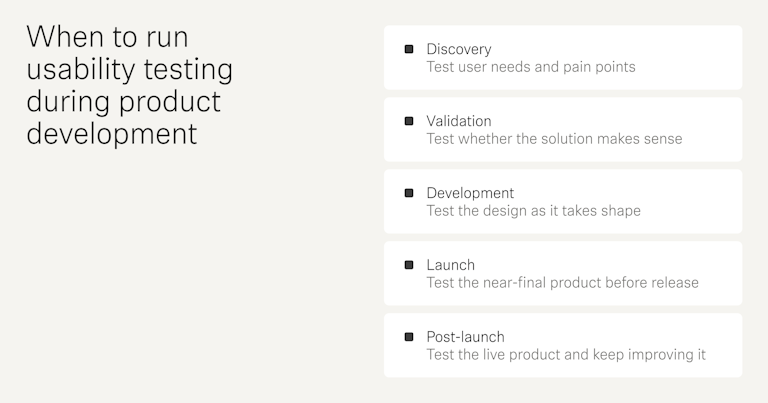
- Discovery: At this stage, the goal is to understand the problem before you commit to a solution. Use research, interviews, and early concept checks to see whether the issue is real and important.
- Validation: This is the stage where usability testing becomes especially important. Once you have wireframes, prototypes, or an MVP, check whether users can understand the flow, complete key tasks, and make sense of the design.
- Development: During this stage, the product is becoming more real, so usability testing should focus on the detailed experience. Look at navigation, labels, interaction patterns, and task completion. Small issues are easier to fix here than after the product is fully built.
- Launch: At this point, the product should be close to complete, but it still needs a final usability check. Test the main user journeys, error states, and confusing copy. This helps you catch friction before users encounter it at scale.
- Post-launch: After release, usability testing helps you learn from actual user behavior. You can identify drop-off points, support issues, and new problems that only appear in real use. This stage is useful for prioritizing fixes and guiding future iterations.
When to conduct usability testing
Most usability experts agree you should test early and often, because issues are cheaper to fix the sooner you find them. A common rule of thumb is the 1-10-100 rule. A problem is far cheaper to address during development than in QA, and much more expensive after launch.
The 1-10-100 rule states that if a product issue costs $1 to catch during early design or testing, it might cost $10 to fix later in development or QA, and $100 or more to fix after launch when the problem has already reached users.
In practice, there are a few phases in the product development lifecycle where usability testing consistently has the biggest impact on what you design and ship.
Here’s a quick overview of those phases:
Usability testing becomes especially important in high-risk, low-certainty situations. For example, that could mean during a redesign or new feature development that has a big business impact but is currently based mostly on assumptions or limited evidence. Testing helps you limit the risk involved in your project, and get answers that can help guide you in the right direction from the get-go.
Next, we’ll look at each of these phases in more detail, starting with testing before any major design decisions are made.
Testing during product and problem discovery
Product and problem discovery happen before the team ideates or commits to a solution. It usually starts when there is a signal that something is not working, could be improved, or is lacking entirely.
In a new project, the team may only have a business goal, a market opportunity, or an idea that needs validation. In a redesign, the team already has a live product, so the first step is to study how users use it today and where they struggle.
In both cases, the goal is the same. Teams need to answer basic questions:
- What problem are we solving?
- Who feels it most?
- How are people handling it today?
- What are they doing instead?
This early-stage work is often called generative research. Usability testing fits here in two different ways.
- For a new product, you can test a competitor product, a paper sketch, or a low-fidelity flow to learn whether people understand the idea and whether the basic path makes sense
- For a redesign, you can test the current version to see where users get stuck, what they ignore, and what they expect to happen instead
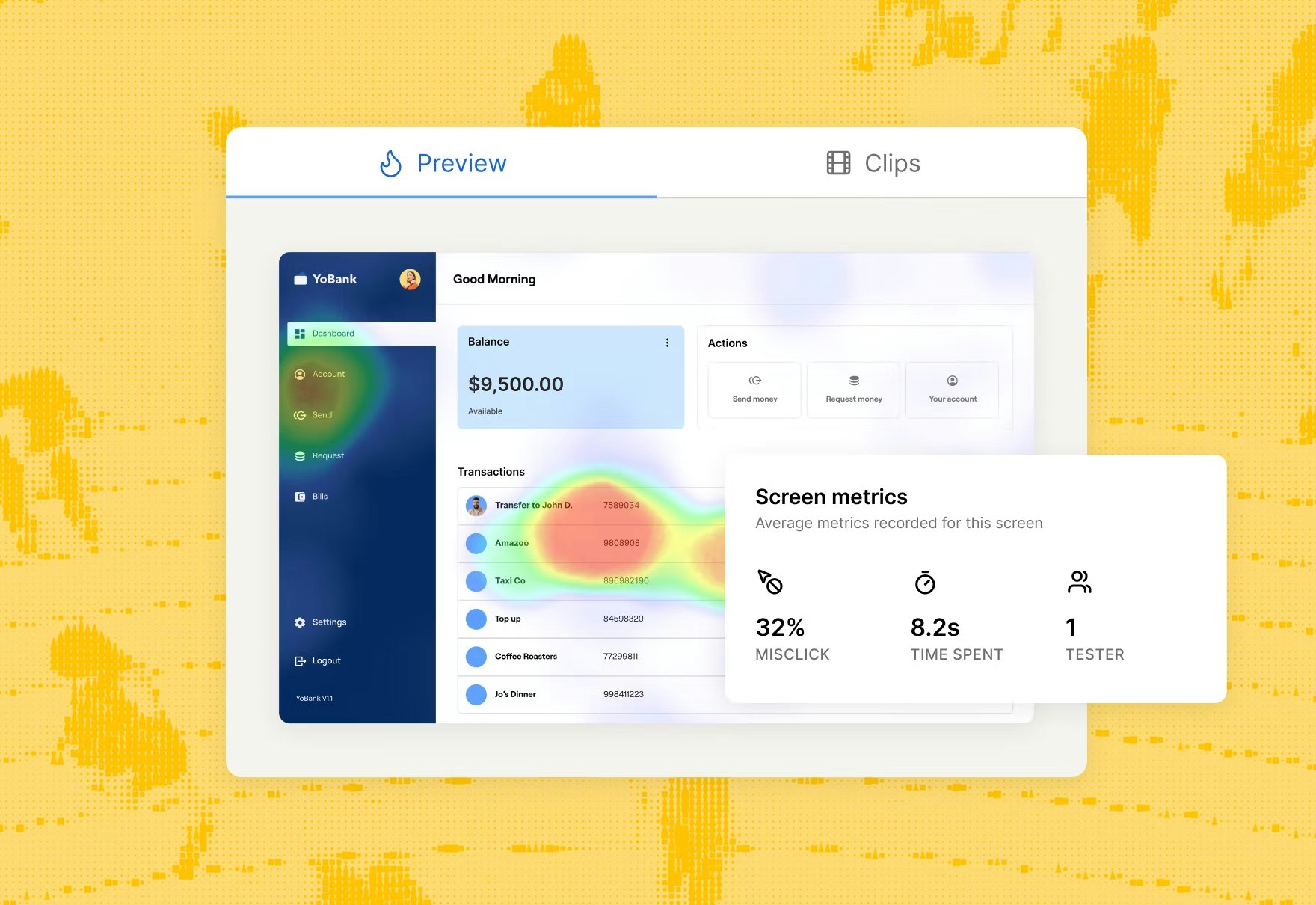
With a user research platform like Maze, you can use live website testing to capture how people navigate the current experience and quickly spot the parts of the interface that need rethinking.

💡 See how Masabi hit 100% task success with just 25 tests
Masabi ran an unmoderated Maze usability test on a rapid prototype of its Multiple Travel Token feature, gathering 25 responses in a single day and achieving a 100% success rate on key missions. That early usability testing gave the team confidence to move into high-fidelity design and development, knowing the core journeys already worked for real riders.
Testing during concept development and solution validation
Once you’ve defined the problem and sketched out solutions, usability testing becomes evaluative research. At this stage, you’re testing how well your wireframes and prototypes support real tasks.
Start with low-fidelity wireframes to check the basic layout, navigation, and task flow. These are useful early because they make it easy to spot structural problems.
As the design matures, move to clickable, high-fidelity prototypes. These are better for checking whether people can complete key user journeys end-to-end and whether the interface feels intuitive and efficient.
Since the prototype looks and behaves more like the final product, users tend to respond more naturally, which gives you more realistic feedback on interaction details, labels, and visual hierarchy.
At this point, usability testing should answer questions like:
- How many people completed a pre-defined task
- If they completed a task, how quickly were they able to do so?
- Was the process intuitive?
Taken together, key metrics like task completion, time on task, and observed friction points help you validate your design and show exactly where to keep iterating.
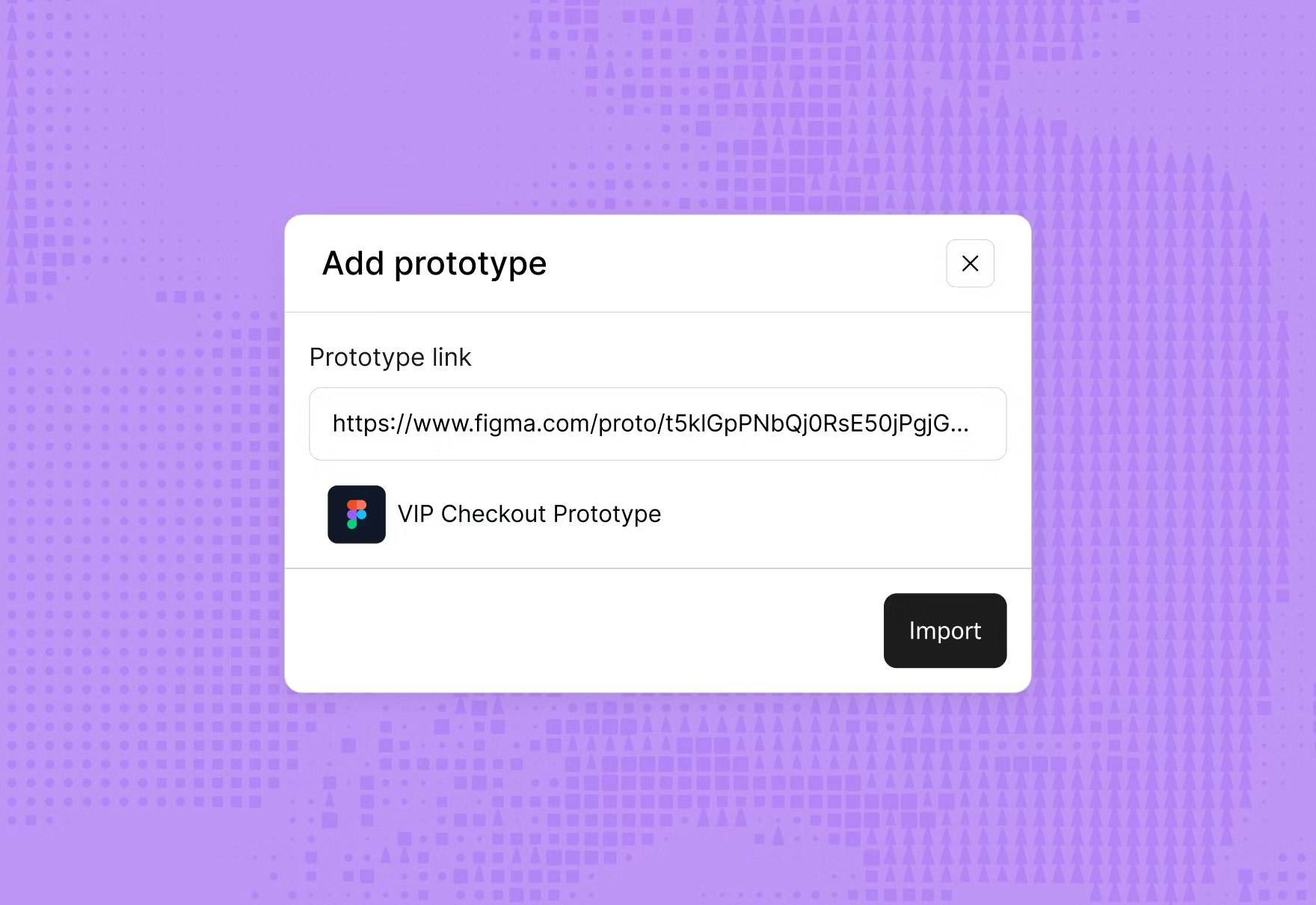
With Maze, you can import wireframes and clickable prototypes from Figma, set up task-based prototype tests, and see completion rates, paths, and heatmaps in a single report.
Maze also lets you test and validate AI prototypes—from tools like Figma Make, Lovable, or Bolt—so you can take concepts created in minutes and quickly validate them with real users before investing in a full build.

💡 See how Braze cut time-to-insight 3x and reduced testing costs by 70%
Braze used Maze to A/B test two Figma prototypes of its new MMS-enabled SMS feature, collecting nearly 20 responses for each maze within a few days. The team combined completion paths, satisfaction scores, and heatmaps to quickly pick the most intuitive layout and refine friction points before rollout.
Testing during development and testing
Usability testing here is often iterative. The team tests a version, reviews the results, makes changes, and then tests again. The goal here is to turn one design direction into a usable product and check that each build still supports the intended flow.
Early rounds often focus on rough prototypes or partial builds, because those versions are best for catching structural issues in layout, navigation, and task flow. Later rounds use more complete versions to check whether the experience still holds up as the design gains more detail and more features.
Each round should answer a different question.
In early testing, ask:
- Can users understand the core flow?
- Where do users hesitate or get stuck?
- What do users expect to happen next?
- Which labels, steps, or screens feel unclear?
- Can users complete the main task without confusion?
In later testing, ask:
- Can users complete the task efficiently?
- Do users recover easily if they make a mistake?
- Where does the final version still create friction?
- Does the experience feel consistent from start to finish?
- Does the interaction still feel clear as more features are added?
Testing during pre-launch checks before release
By this stage, you are almost there. You’re checking whether the near-final product is clear, consistent, and ready for real use.
Look for anything that could create last-minute confusion. That might be a label users misread, a step they miss, or a flow that feels polished but still takes too much effort to complete. The point is to make sure the product feels finished from the user’s point of view.
If the main tasks work and the flow feels consistent, the product is ready to launch.
Post-launch testing with real users
Launching a feature or a product isn’t the end of usability testing—it’s when you finally see how the design performs in real-world conditions.
Post-launch, the goal is to understand where real users struggle in live flows, how new features affect behavior, and which improvements will have the biggest impact on user experience and key product metrics.
At this stage, usability testing works alongside analytics and customer feedback. Product analytics can show you where people drop off or which paths they take. And usability tests help you understand why that’s happening by watching real users attempt key tasks in the live interface.
With Maze, you can combine live usability tests with quick in-product prompts and surveys to capture intent and satisfaction in the moment. Maze automatically generates shareable reports with key usability metrics, paths, and heatmaps for every study. Plus, Maze AI can help you group qualitative feedback into themes and summaries, making it easier to spot patterns across multiple rounds of research.

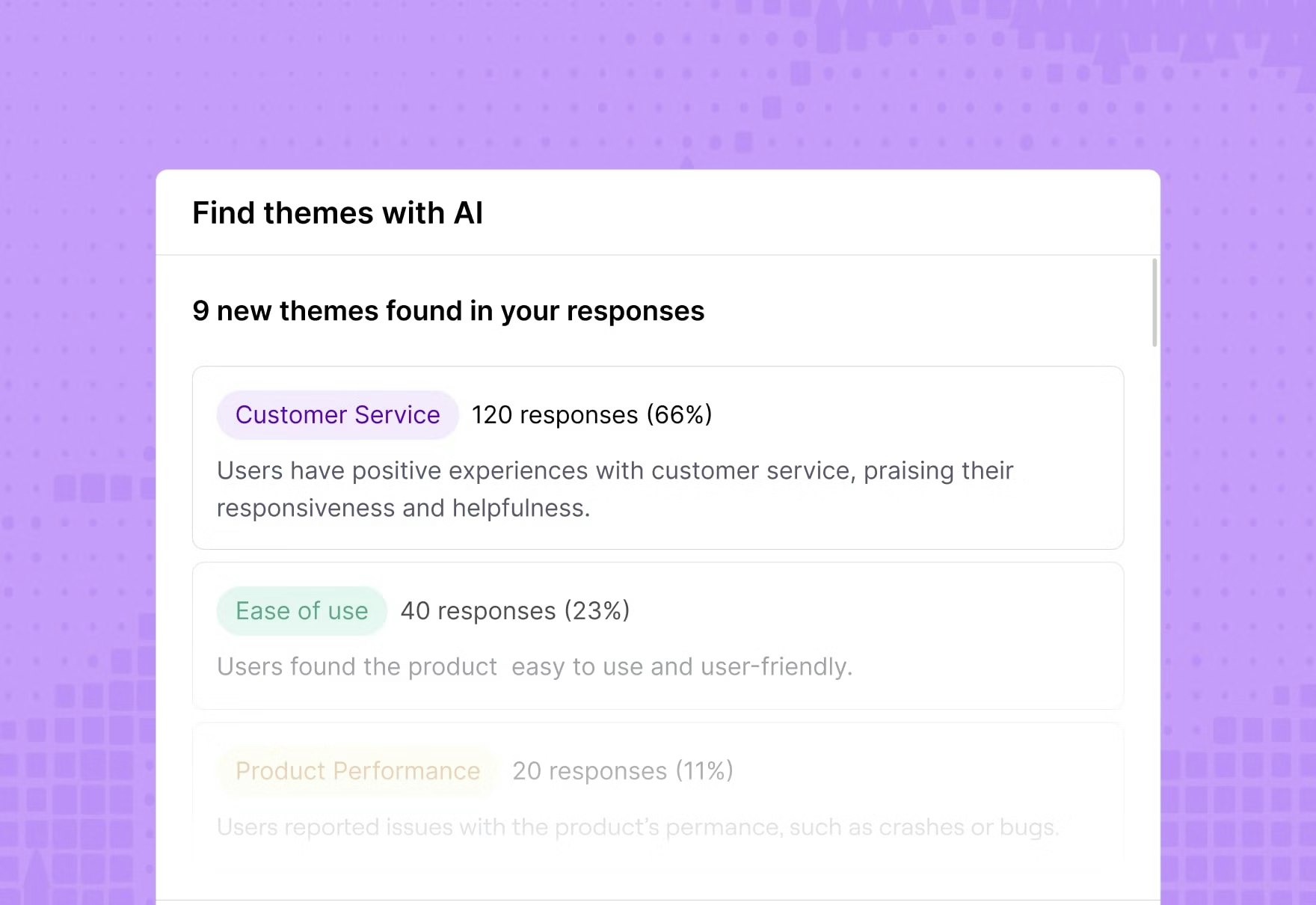
💡See how Hopper doubled research speed and cut costs by 75% after launch
After switching to Maze, Hopper’s design team made their research process 2x faster and reduced research costs by 75%, while running more continuous tests and surveys on their live product.
Testing when you’re in high-risk, low-certainty situations
When a team is faced with a decision that offers a big potential impact but limited evidence to back it up, usability testing is the way to get answers—regardless of the product development stage. The goal is to validate potential decisions with user research before they turn into costly rework, user confusion, or missed business outcomes.
This kind of usability testing is especially useful when you’re:
- Launching new features
- Redesigning core flows
- Changing pricing structures
- Updating onboarding journeys
- Introducing new navigation structures
- Testing unfamiliar product concepts
- Rolling out AI-powered experiences
- Entering new markets or segments
- Changing workflows for enterprise customers
- Replacing familiar patterns with new interactions
- Making changes that could affect conversion or retention
- Moving forward with assumptions but limited evidence
In these moments, usability testing helps de-risk your biggest assumptions. Ideally, you want to answer questions like:
- What are we assuming users will understand here?
- What is most likely to break if this change is wrong?
- What is the cost if this assumption turns out to be false?
- Which user segment is most likely to struggle with this change?
- Where could users hesitate, abandon, or choose the wrong path?
- Which downstream step could be affected if this flow does not work?
Since the stakes are high and certainty is low, it often makes sense to combine methods. For example, you could use quick unmoderated usability tests to get fast behavioral data, backed up by moderated sessions or interview studies to dig into the why behind what you see.
You might also prioritize testing with specific, high‑impact segments, such as power users, enterprise customers, or users in key markets, to understand how the change affects the users who matter most.

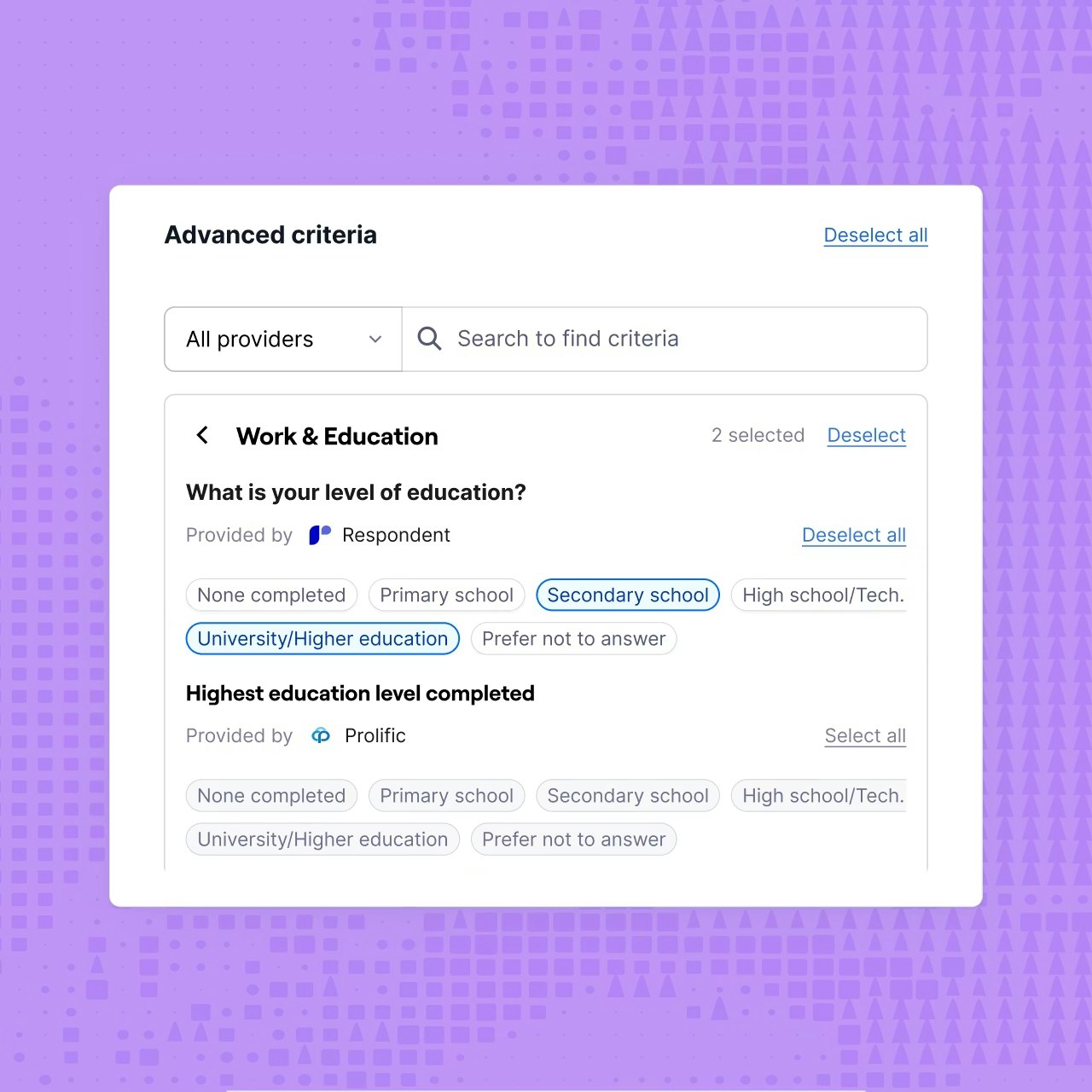
💡 See how Uizard validates a risky new editing feature with 70–85% task success
Uizard tested a high‑stakes new editing experience with ~50 beta users in Maze, hit high task success across most flows in just two days, and launched their designs quickly.
What if we don’t have time or budget for usability testing?
Usability testing doesn’t have to be a big, slow, expensive project. It can be rapid and lightweight, and often doesn’t require a new tool or platform (although that definitely helps!). Usability testing, in its simplest form, can be done with the tools you already use. You might need a couple of workarounds, but you can get the job done.
It’s the cost of not conducting usability testing that should be of more concern. By acting without usability insights, you open your products up to costly mistakes and failed launches.
Our 2026 Future of Research Report found that the demand for research has increased in 66% of organizations, with 41% of businesses stating that they’re applying user research to inform both Product and strategic decisions.
But they’re not doing it alone.
69% of teams are now using AI to support research initiatives, from recruiting research participants (10%) all the way through to analyzing data (76%). In doing so, they’re conducting faster research (63%) and seeing improved team efficiency (60%).
Usability testing doesn’t need to be complex and time-consuming, and there are plenty of tools on the market with AI-powered functionalities to help streamline your research process.
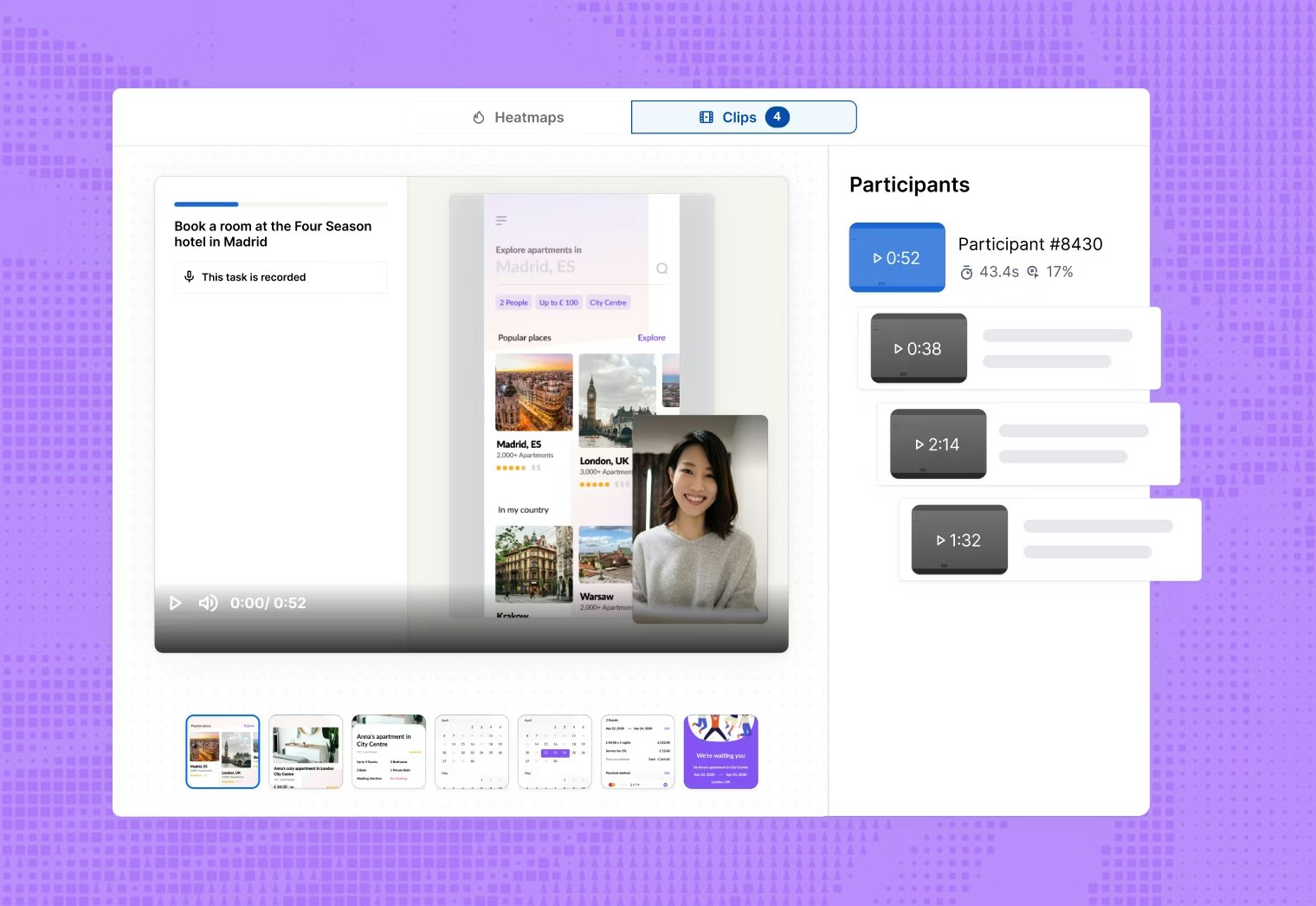
For example, Maze helps you run usability testing from start to finish in one place. You can test prototypes before development, run unmoderated usability tests on live websites and mobile apps, and capture audio, video, and screen recordings with Maze Clips. You can also add follow-up surveys or interview studies to dig deeper, and conduct research analysis with Maze AI.

Conduct continuous research with Maze
The teams that build research into every release, decision, and experiment end up with products that fit the market and engage users.
Maze is built for that kind of continuous research. It brings recruiting, testing, and analysis together so researchers, designers, and PMs can keep running usability tests, concept checks, surveys, and interview studies at the pace of product development.
With research‑grade AI taking on repetitive tasks like transcription and synthesis while humans focus on judgment and storytelling, you can keep learning from users week after week.
Continuous research with Maze is a loop: release, test, learn, and improve.


Frequently asked questions about when to conduct usability testing
When is the ideal time for usability testing of a digital product?
When is the ideal time for usability testing of a digital product?
There isn’t just one ideal time. Our research and industry guidance show that the best teams test at multiple points: early concepts, mid‑fidelity prototypes, and before and after launch. The earlier you start, the easier the issues are to fix, but even late‑stage or post‑release tests are better than not testing at all.
How many users do I need to test with at each phase?
How many users do I need to test with at each phase?
For qualitative usability tests, five to eight users per round is usually enough to uncover most major issues in a given flow or segment. If the stakes are higher (for example, critical onboarding, payments, or compliance‑sensitive flows), you might increase to 10–15 users or run multiple small rounds with different segments.
Should I use the same testing method for all phases?
Should I use the same testing method for all phases?
No, you should match the method to the question you’re asking and the phase you’re in. For example:
- Early on, you’re asking “Do people understand this idea and structure?” so lighter‑weight concept testing and prototype tests (including card sorting and tree testing) are best.
- Later, you’re asking, “Can people complete key tasks without getting stuck?” So, task‑based usability tests, live‑product tests, and occasional A/B or benchmark studies help you validate and measure performance.
How do I identify a ‘high-risk’ situation that needs usability testing?
How do I identify a ‘high-risk’ situation that needs usability testing?
Look for changes where the impact is high, and your certainty is low. That includes core journeys (onboarding, purchase, key workflows), major redesigns, new concepts or pricing models, and anything where failure could result in revenue loss, churn, or serious user frustration.