









Turn session recordings into actionable stories
Capture, analyze, and share audio, video, and screen recordings across your studies.


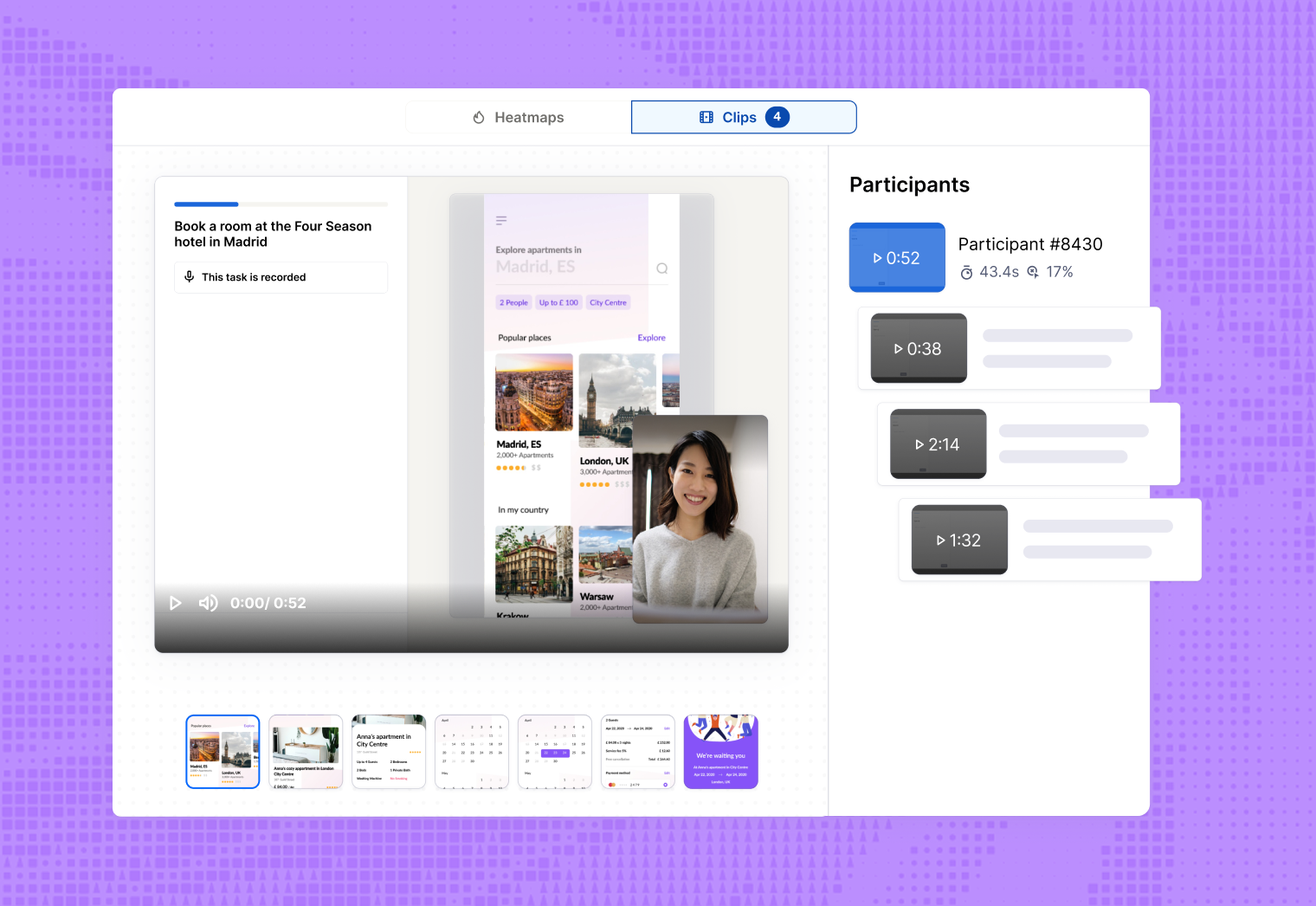
Capture participant actions and feedback
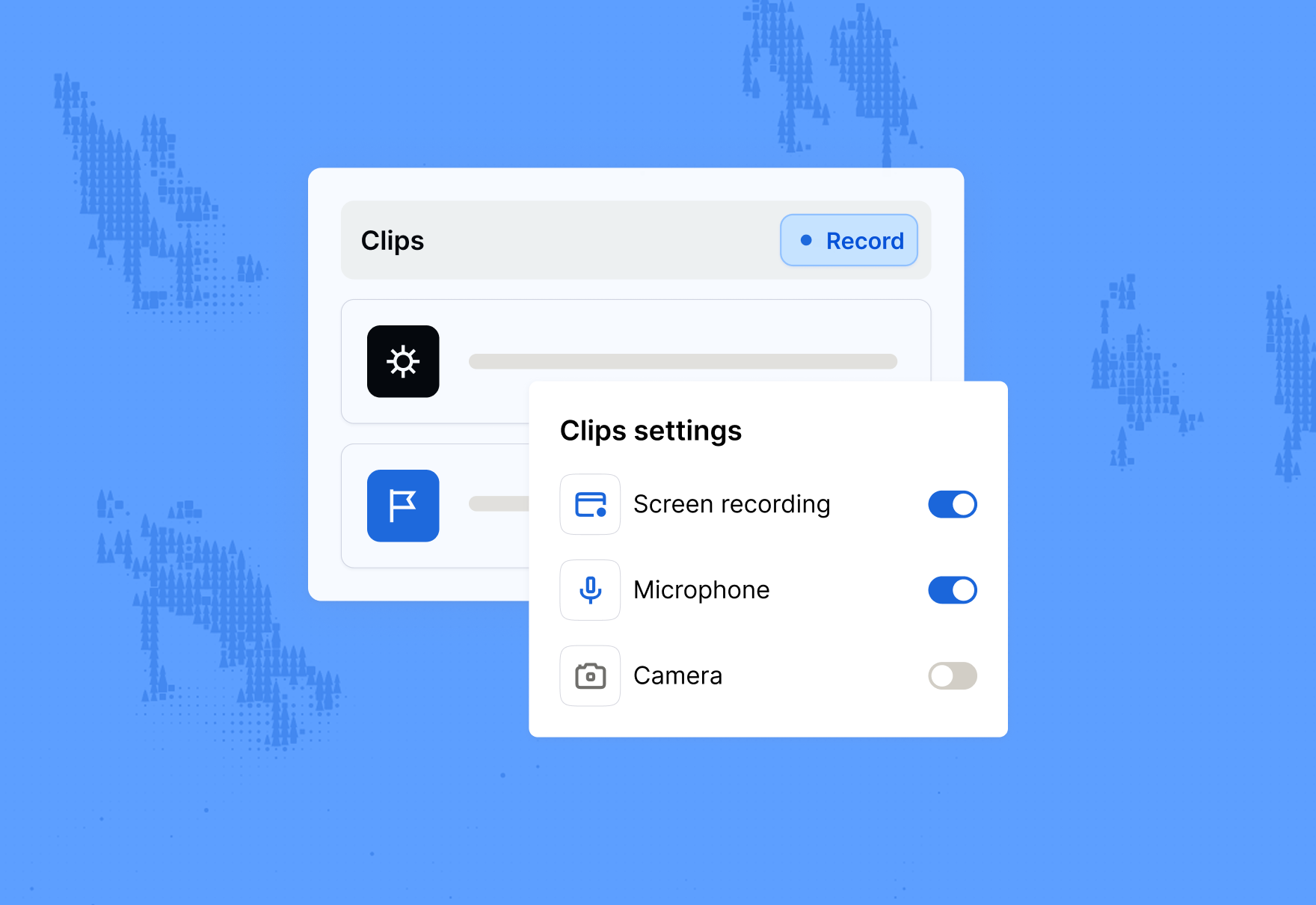
Toggle audio, video, and screen recordings individually for a customized qualitative research experience.






Maze is crafted for the curious



Maze enabled us to double the number of testing sessions with users before shipping a new feature.
Nicolas Berthozat
Co-founder



We have incorporated Maze into our product development process to allow our users to drive our product rather than us driving our assumptions.
Chloe Easterlow
Product Designer

Maze enabled us to double the number of testing sessions with users before shipping a new feature.
Nicolas Berthozat
Co-founder
We have incorporated Maze into our product development process to allow our users to drive our product rather than us driving our assumptions.
Chloe Easterlow
Product Designer
Maze enabled us to double the number of testing sessions with users before shipping a new feature.
Nicolas Berthozat
Co-founder
We have incorporated Maze into our product development process to allow our users to drive our product rather than us driving our assumptions.
Chloe Easterlow
Product Designer
Understand the why behind user behavior with Clips
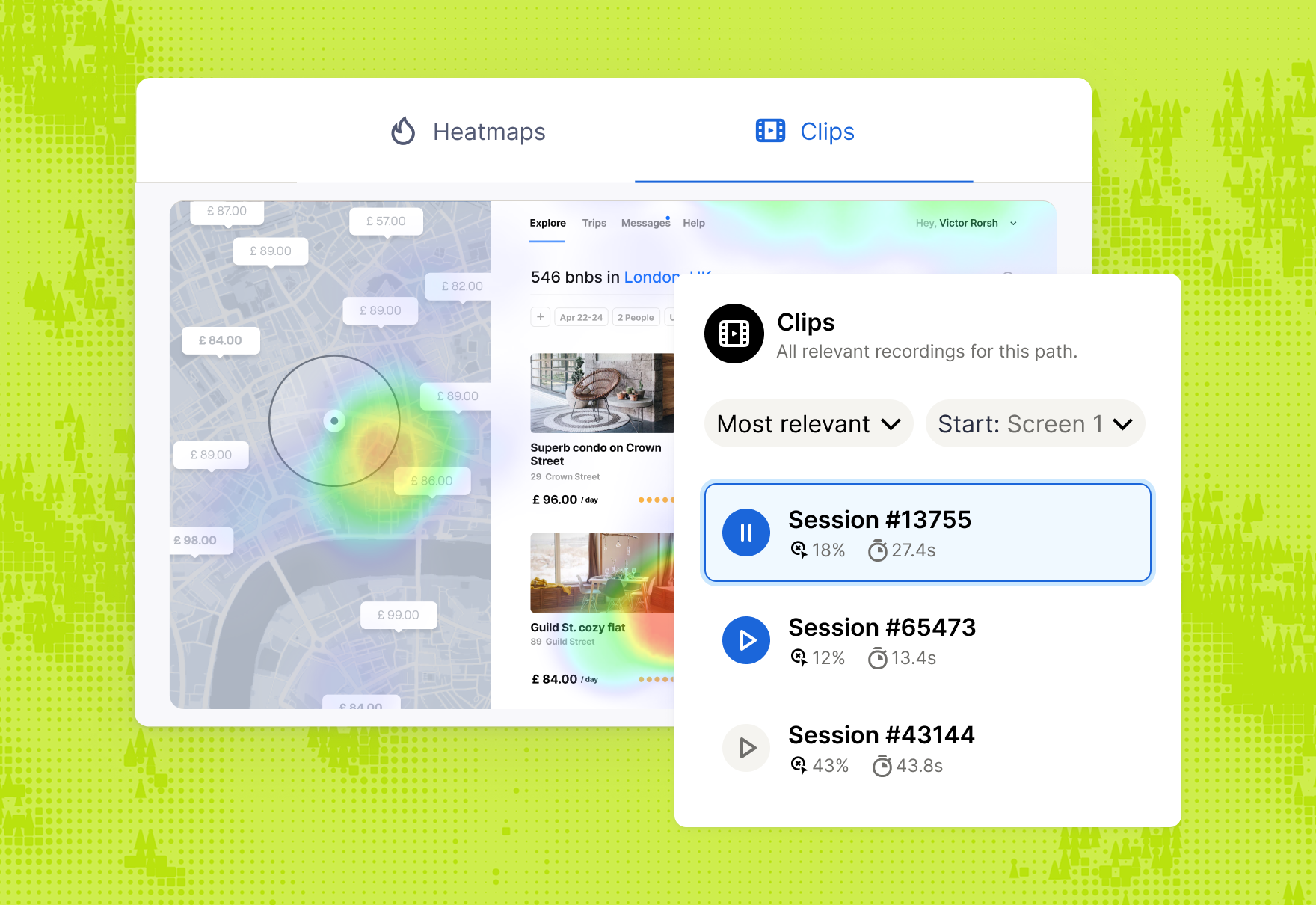
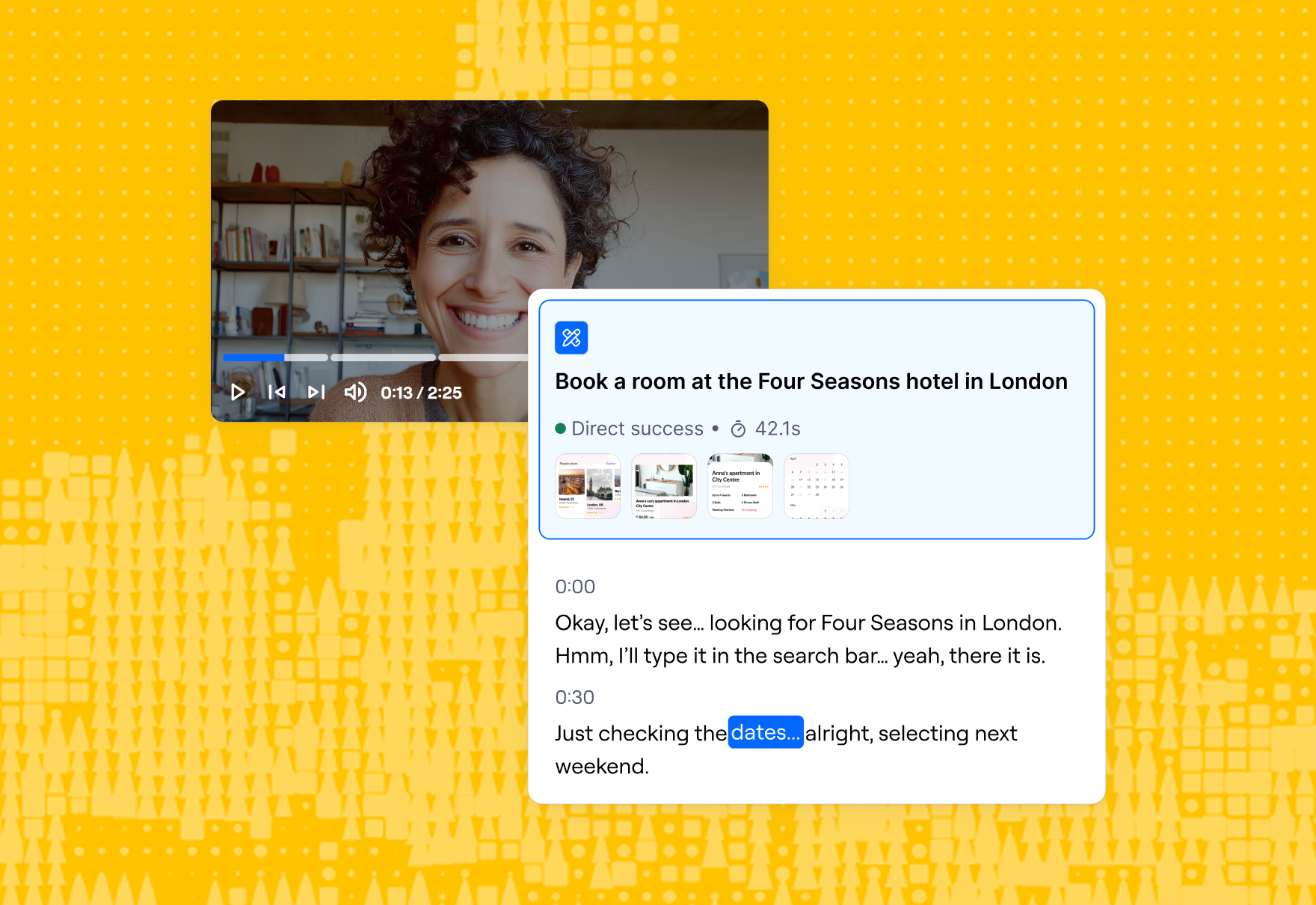
Review what participants said alongside what they did, with automatic transcripts in their native language.
Save quotes and reactions with context from your study. Each highlight is instantly shareable.
Group insights across participants and add your own observations.
Create reels from themes. Download or share instantly with stakeholders.
























Don’t keep up with change. Shape it.
Frequently asked questions
Does Maze generate transcripts for recorded sessions automatically?
Does Maze generate transcripts for recorded sessions automatically?
Yes, Maze generates transcripts automatically during unmoderated study sessions. Once the session is processed, a full transcript and summary appear in your project within minutes. You can review it, highlight key moments, and use it to understand user feedback quickly.
How can I share session recordings?
How can I share session recordings?
You can share recordings with your team or stakeholders using secure share links. Simply select the clip, session, or highlights reel in the dashboard, click “Share,” and set privacy to 'anyone with the link' or 'only team members', depending on your needs. It's important to note that shared links include only the recording. The option to download transcripts will be available soon.
Which languages does Maze support for transcripts?
Which languages does Maze support for transcripts?
Maze can generate transcripts in over 30 languages, covering a diverse range of global accents. Transcription works best when the entire session is recorded in one language, since mixed-language audio may lead to gaps or inaccuracies.